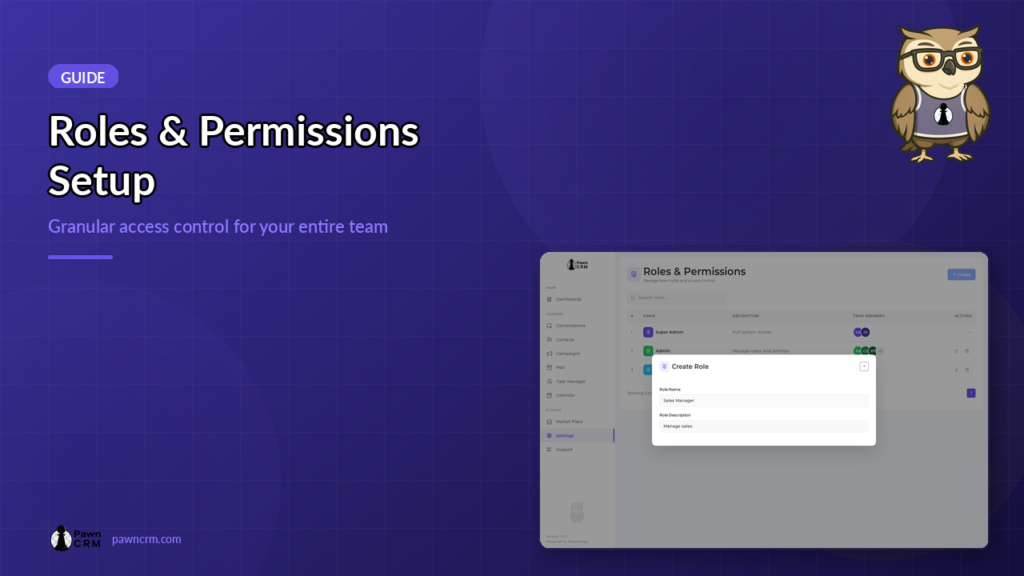
PawnCRM’s Roles and Permissions system gives you granular control over who can access what in your CRM. Create custom roles, assign specific permissions per module, and ensure every team member has exactly the access they need. Whether you’re managing a small team or a large organization, role-based access control keeps your data secure and your […]
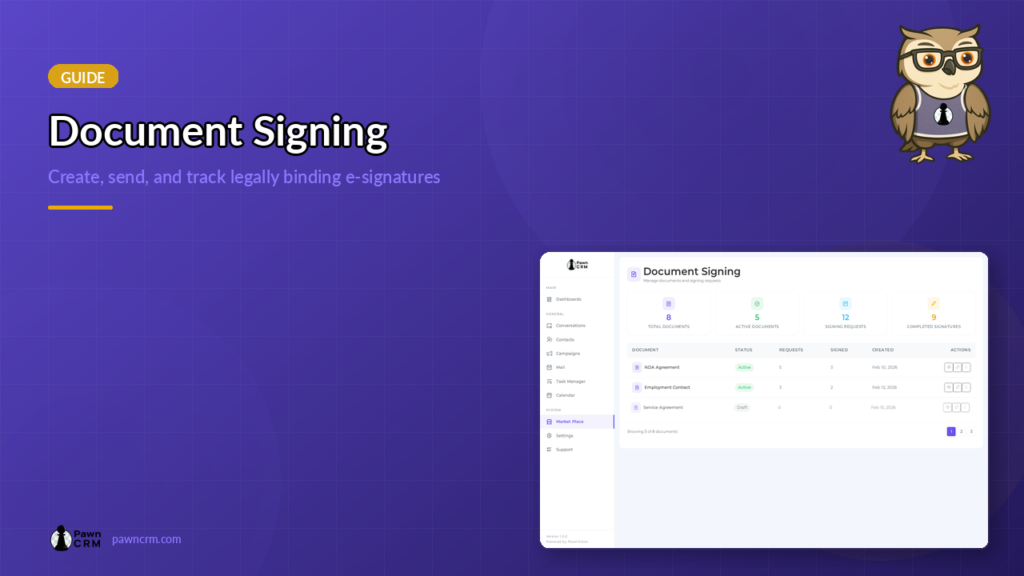
How to Use Document Signing in PawnCRM
PawnCRM’s Document Signing module lets you create, send, and track legally-binding documents without leaving your CRM. Upload contracts, add signature and date fields with a visual drag-and-drop builder, generate secure signing links, and monitor every request in real time. Document Library Overview The Document Library is your central hub for all signing documents. At the […]
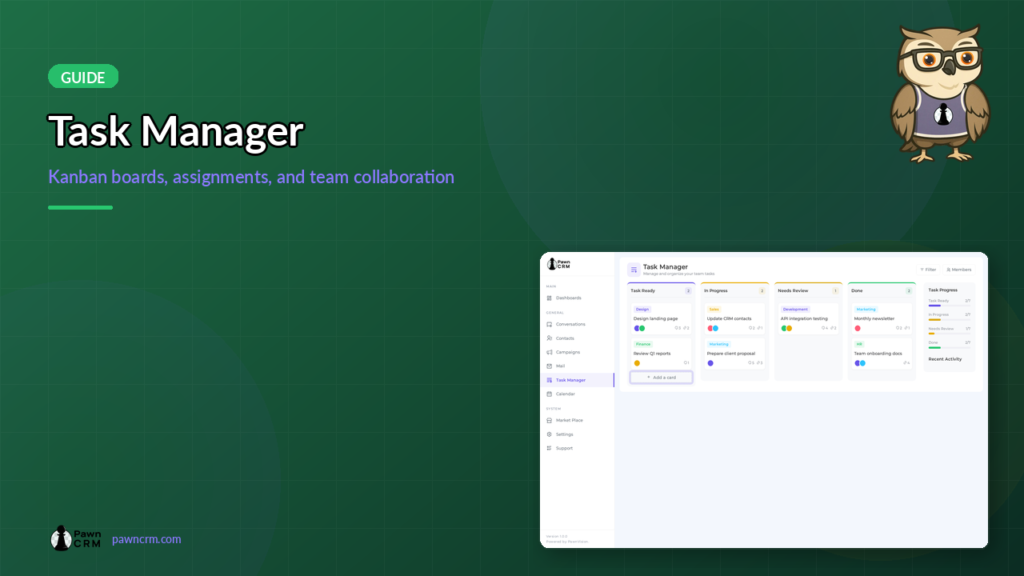
How to Use the Task Manager in PawnCRM
PawnCRM’s Task Manager helps your team stay organized with a visual Kanban board. Create tasks, assign team members, track progress, and collaborate with comments — all within your CRM workflow. Kanban Board Overview The Task Manager uses a Kanban-style board with four columns: Task Ready, In Progress, Needs Review, and Done. Each task card displays […]
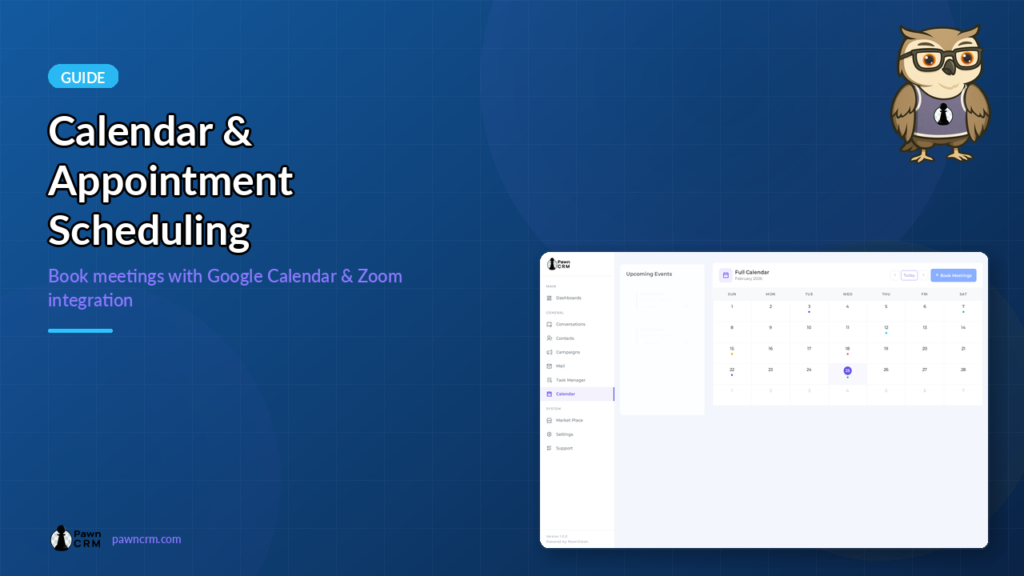
How to Use Calendar and Appointment Scheduling in PawnCRM
PawnCRM’s built-in calendar module helps you schedule meetings, track appointments, and stay organized. With integrations for Google Calendar and Zoom, you can manage your entire schedule from one place. Calendar Overview The calendar module features a two-panel layout: an upcoming events sidebar on the left and a full monthly calendar view on the right. The […]
How to Use Chat and SMS Messaging in PawnCRM
Staying connected with your clients is everything. PawnCRM’s built-in chat and messaging system lets you send and receive SMS messages directly from your CRM — no switching between apps, no lost conversations. Every message is linked to a contact, so your team always has full context. This guide walks you through the complete messaging workflow: […]
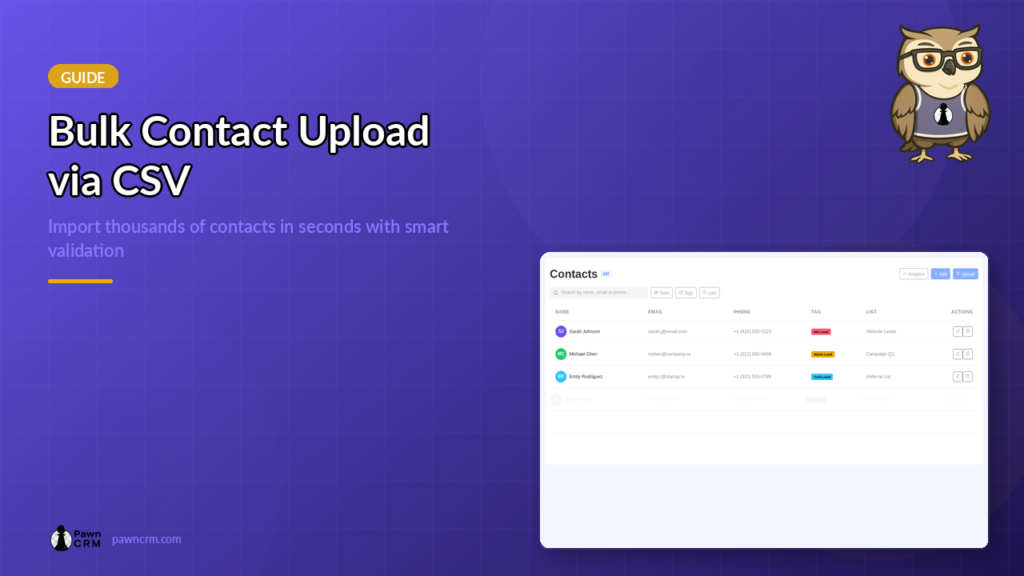
How to Upload Bulk Contacts via CSV in PawnCRM
Learn how to import thousands of contacts into PawnCRM using CSV upload. Step-by-step guide covering file preparation, list assignment, tag assignment, validation, and import confirmation.